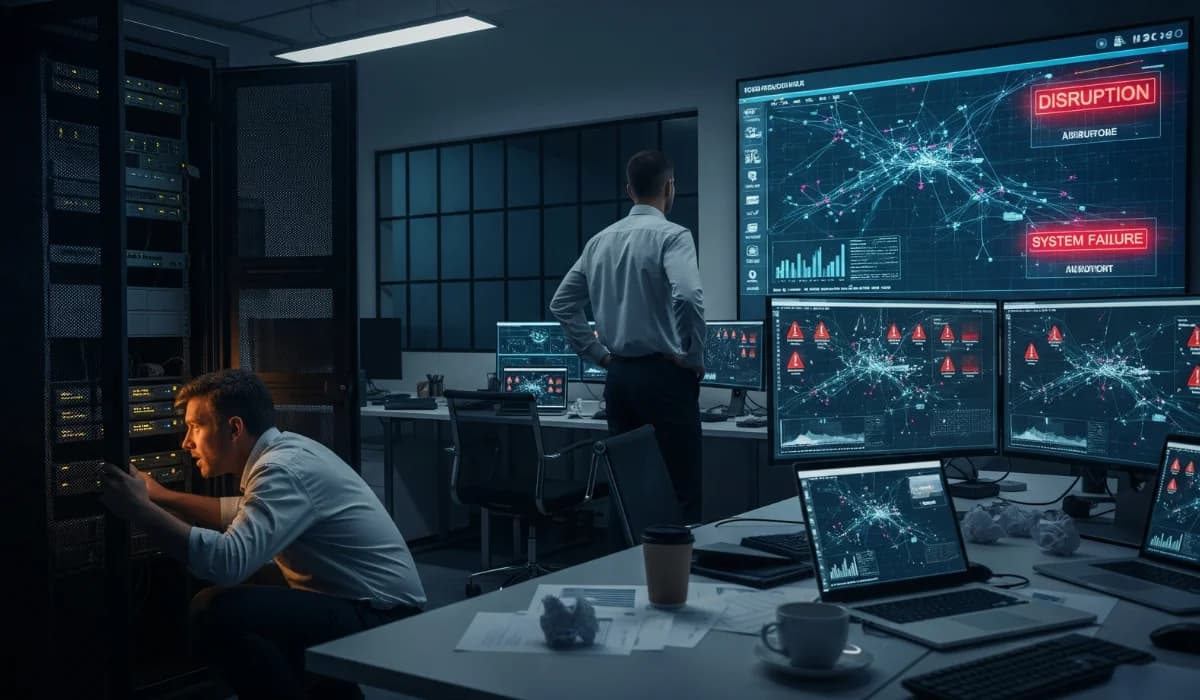
Don’t guess when your IT systems will fail. Every minute of downtime drains revenue, creates risk, and disrupts your team.
Downtime can cost large organizations up to $9,000 per minute. For high-risk industries like healthcare and finance, that figure can surge to $5 million an hour without even factoring in regulatory penalties, lost customer trust, or the long-term damage of cyberattacks.
A patchwork of alerts and last-minute fixes isn’t risk management; it’s gambling with your business continuity. Whether it’s natural disasters, ransomware, or infrastructure failure, today’s threats demand real-time visibility and faster decision-making.
This article will show you how IT monitoring for business continuity equips you to:
- Minimize financial losses and avoid outages
- Detect potential threats before they become crises
- Strengthen your recovery strategies and compliance posture
- Optimize performance and reduce IT support strain
Key takeaways
- Downtime hurts more than IT; it costs you money, trust, and compliance. Without proactive monitoring, every minute of delay puts your business at risk.
- You need complete visibility across your IT systems. Monitoring everything from devices to users helps catch issues before they disrupt your operations.
- Automation is helpful, but not enough. Absolute protection comes when tools are backed by expert guidance and clear response plans.
- Alerts are insights, not noise. Use them to improve your risk planning, stay compliant, and respond faster when issues happen.
Why downtime is more than just an IT problem
Downtime doesn’t just disrupt IT; it disrupts your entire business. If you’re running lean or scaling fast, every lost minute increases pressure on operations, hurts customer trust, and hurts your profits.
90% of mid-size and enterprise organizations face downtime costs exceeding $300,000 per hour, and for 41% of them, losses surpass $1 million. While hourly expenses may be lower for SMBs, the impact of lost productivity, failed service delivery, and reputational damage can be just as severe.
When your systems go down, it affects more than just servers. You’re dealing with:
- Financial losses from halted transactions, overtime costs, and missed service level agreements (SLAs)
- Interrupted decision-making across departments and delays important business projects
- Lost visibility into key components of your infrastructure and workflows
- Breakdowns in dependencies, including integrations with tools like Microsoft 365, ERPs, and client portals
These issues cascade fast. Without planning, downtime invites attacks, disasters, and failures that slow recovery.
That’s why regulations like the Federal Trade Commission (FTC) Safeguards Rule and cyber insurance requirements increasingly expect companies to implement continuous monitoring, automated notifications, and integrated response strategies as standard components of risk management.
Downtime affects more than IT; it’s a business-wide risk. And if you’re not planning for it, you’re planning around it.
What is IT monitoring? (and what does “proactive” really mean?)
IT monitoring is the continuous tracking, analysis, and management of your IT systems to detect and resolve potential issues before they impact your business operations.
IT monitoring isn’t just about preventing downtime; it provides insights that help your team operate with confidence.
Proactive vs. reactive IT: what’s the real difference?
Reactive IT puts you on the back foot. You’re troubleshooting after outages occur, firefighting problems without clear visibility. With proactive IT monitoring, you gain control by addressing warning signs before they escalate.
What’s the difference?
- Reactive IT: Waiting for server crashes, then scrambling for solutions
- Proactive IT: Using continuous monitoring to catch memory leaks, unusual user activity, or unpatched software before disruption happens
Key components of IT monitoring
To truly protect your business continuity, monitoring must extend across the full spectrum of your IT infrastructure:
- Endpoints: Laptops, desktops, mobile devices, tracked for performance issues and vulnerabilities
- Networks: Bandwidth usage, firewall activity, and traffic anomalies that signal potential threats
- Applications: Core systems like CRMs, ERPs, and Microsoft tools, monitored for uptime and responsiveness
- Users: Login behavior, access privileges, and abnormal patterns
These layers connect; endpoint issues often signal broader network problems. That’s why your monitoring system needs full-stack visibility.
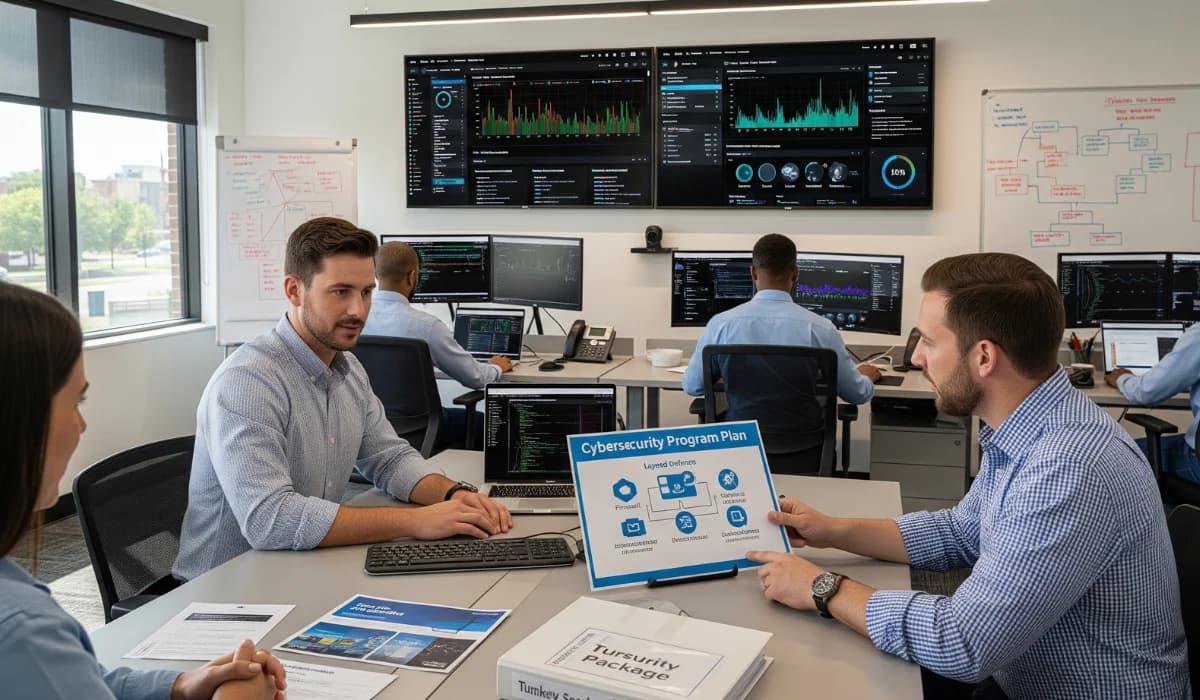
At Tech Advisors, we provide real-time diagnostics, clear dashboards, and automatic notifications that surface potential threats before they affect your workflows. This lets you take smarter actions faster and with fewer surprises.
4 ways proactive monitoring protects business continuity
Proactive IT monitoring doesn’t just reduce downtime; it reinforces every layer of your business continuity strategy. By addressing issues early, your team can operate with confidence, protect sensitive data, and keep key stakeholders aligned through every stage of growth or disruption.
1. Prevents downtime and revenue loss
Continuous monitoring spots performance degradation before it becomes a crisis. Real-time monitoring tools track high CPU usage, storage thresholds, abnormal traffic patterns, and other early warning signs across your IT infrastructure.
Acting early ensures:
- Uptime stays consistent
- Business functions remain uninterrupted
- Customer experience preserved
Consider this: a 5-minute delay in a payment gateway could cost an e-commerce company thousands in lost revenue. Monitoring endpoints and APIs ensures quick action against potential threats before they impact business continuity.
2. Strengthens cybersecurity with early threat detection
Cyberattacks remain one of the top causes of business disruptions. Proactive monitoring tools integrate with Endpoint Detection and Response (EDR) systems to help detect and neutralize cyber threats before they escalate.
Key benefits include:
- Identifying phishing attempts via login anomalies
- Detecting lateral movement between devices
- Quarantining suspicious applications before they’re executed
This not only helps protect your IT systems but also strengthens the trust of your customers and stakeholders who depend on your ability to maintain secure operations.
3. Improves performance and eliminates hidden bottlenecks
Even without a total outage, slow or lagging systems can hurt productivity. Continuous monitoring pinpoints optimization opportunities across your IT stack, helping your IT support team eliminate inefficiencies.
Common issues include:
- Delayed patch rollouts
- Latency within business-critical applications
- Server and storage bottlenecks
By fixing these problems proactively, you remove performance blockers that might otherwise go unnoticed, enabling smoother decision-making and better cross-team collaboration.
4. Supports compliance with logging and auditing visibility
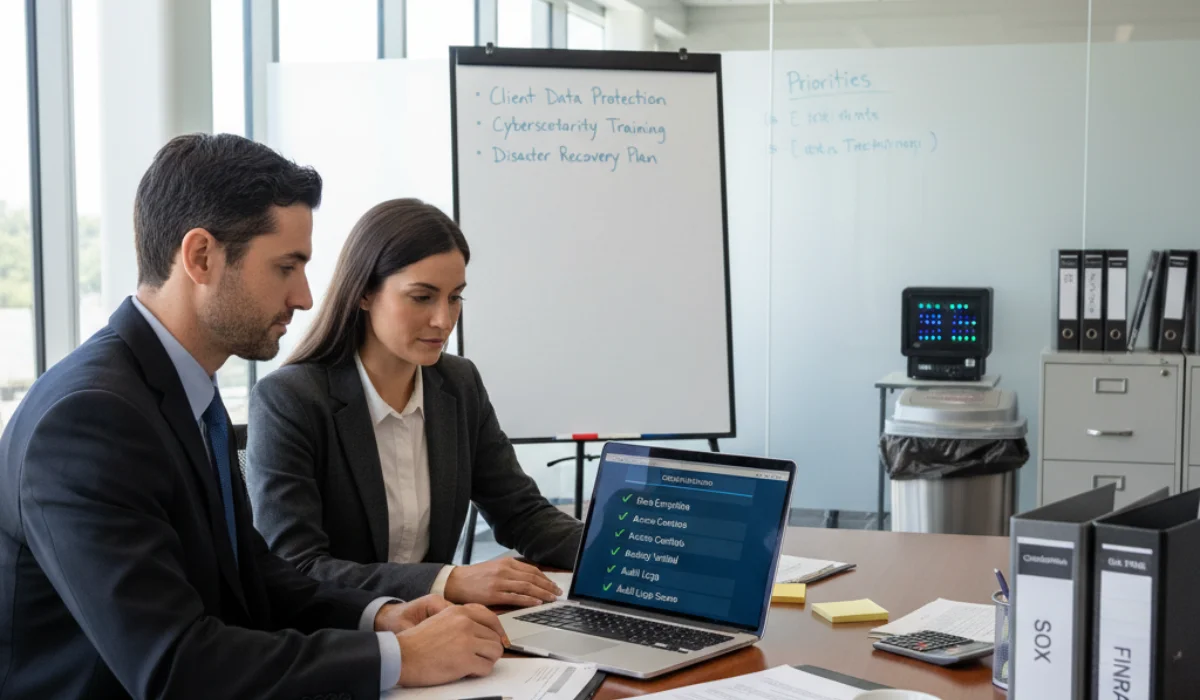
Regulatory compliance is a core responsibility of any business continuity framework. Whether you’re working within the Health Insurance Portability and Accountability Act (HIPAA), FTC Safeguards, or the Financial Industry Regulatory Authority (FINRA) guidelines, maintaining clear and complete records is non-negotiable.
With proactive IT monitoring, your team gets real-time access to security logs, plus event timelines that simplify audits and automated reports that support fast incident response. Monitoring simplifies audits, ensures compliance, and builds stakeholder trust.
At Tech Advisors, we help businesses weave these benefits into their daily operations, making monitoring a core driver of performance, resilience, and long-term success.
IT monitoring as a foundation of your business continuity plan
Your Business Continuity Plan (BCP) isn’t just a safety net; it’s a proactive strategy for keeping operations running through any disruption. From natural disasters to data breaches, an effective BCP gives your team the confidence to maintain service, communicate clearly, and recover quickly.
A BCP without monitoring is like a smoke alarm with dead batteries. You need real-time visibility to know when systems are failing, threats are emerging, or key components are being compromised.
How IT monitoring enhances business continuity
Modern IT monitoring for business continuity provides automation, precision, and speed. Here’s how it strengthens your BCP:
- Enables early incident detection so your team can respond before issues escalate
- Supports disaster recovery by identifying affected systems and prioritizing responses
- Feeds real-time metrics into your business impact analysis (BIA) for more thoughtful planning
- Reduces recovery time with continuous visibility across systems
- Automates key alerts and logging for better incident response coordination
The more automated and integrated your monitoring, the more agile your response. You’re not just watching for issues, you’re building workflows that protect critical operations and accelerate recovery.
Tech Advisors brings automation, data-backed insights, and compliance-ready monitoring into every continuity plan. We help you create a responsive ecosystem where alerts, metrics, and incident response processes are tightly aligned.
Mini-checklist:
| What to Monitor for Business Continuity Success | Why It Matters |
|---|---|
| Network uptime and latency | Ensures smooth connectivity and prevents slowdowns or outages from disrupting operations. |
| Endpoint activity, anomalies, and alerts | Detects compromised devices, unusual behavior, and potential security risks early. |
| Backup integrity and success rates | Confirms backups are working, so recovery is possible after failures or attacks. |
| Compliance and audit logs for reporting | Supports regulatory requirements and simplifies audit readiness. |
| Security threats that may signal data breaches | Identifies suspicious patterns before they escalate into major incidents. |
A strong BCP supported by real-time monitoring helps stakeholders make informed decisions during high-stress events, reducing risk, maintaining service, and building long-term resilience.
Managed IT services vs. business continuity tools: what works?
When it comes to protecting your business continuity, full-stack monitoring platforms that track endpoints, networks, applications, and user activity are essential, but they’re only part of the equation.
Why software alone isn’t enough
Standalone tools offer excellent visibility, but they often come with blind spots. Without proper integration or human oversight, your team may end up chasing alerts without knowing which ones matter most.
Here’s where gaps typically appear:
- Poor configuration can miss early warning signs
- Separate systems make it hard to connect threats across the network
- No response protocol means more extended downtime and more confusion
For example, your endpoint security software might detect an anomaly. But without a broader strategy, no one follows up. That’s not just an inefficiency; it’s a risk to business continuity, incident response effectiveness, and your disaster recovery plans.
How a managed IT provider delivers strategic monitoring
A proactive partner like Tech Advisors transforms disconnected tools into a seamless strategy for business continuity. Here’s how we help:
- 24/7 monitoring backed by a dedicated team that understands your infrastructure
- vCIO services to align technology with compliance and disaster recovery planning
- Automated and manual response protocols that shorten recovery time and reduce impact
- Continuous improvement to help your team adapt as your environment evolves
It’s not just about alerts; it’s about using data to build resilience.
Combine tools with expert eyes and process.
To get the most from IT monitoring for business continuity, you need three key elements working together:
- People: IT experts who know how to assess risk and prioritize business-critical systems
- Processes: Documented workflows for backup, restoration, incident response, and escalation
- Technology: Monitoring platforms that power automation and ensure visibility
When these components align, your disaster recovery plans become faster, your compliance posture becomes stronger, and your entire organization gains confidence in its ability to weather any challenge.
Tech Advisors helps bring this ecosystem together so your business continuity plan becomes more than a binder; it becomes a living, working advantage.
Business continuity starts with visibility, and Tech Advisors can help
One thing should be clear: IT monitoring for business continuity isn’t optional. It’s the proactive approach your business needs to prevent downtime, protect your data, and stay ahead of threats.
Compliance pressure, disaster recovery concerns, or risk visibility, IT monitoring is your foundation.
With Tech Advisors, you don’t just get alerts; you get a strategic partner who brings:
- Real-time insights to guide confident decision-making
- Custom response plans aligned with your goals and infrastructure
- Built-in compliance safeguards to support audits and industry standards
- Transparent pricing that simplifies your budgeting
We’d love to help you build a more innovative, more resilient business continuity plan. Schedule a call today to map out your IT monitoring strategy.
FAQs
How does IT monitoring reduce downtime costs?
IT monitoring reduces downtime costs by identifying problems early, before they cause system outages. It alerts your team to issues like slow servers, failing backups, or cyber threats, helping you fix them fast and keep operations running without interruption.
What should an IT monitoring strategy include?
An effective IT monitoring strategy should cover endpoints, networks, applications, user activity, backups, and compliance logs. This full-stack visibility helps your team detect issues quickly, respond to threats, and maintain business continuity across your entire IT environment.
How often should a business continuity plan be reviewed?
Review your business continuity plan at least once a year, or any time your systems, compliance rules, or risks change. Regular updates help your team stay ready for disruptions and improve your recovery process if downtime occurs.